Add to Your Home Screen
Get instant access to all our pregnancy and parenting tools right from your phone. No app store needed.
iPhone (Safari)
Works best with Safari browser
-
1
Open newmums.com in Safari
Make sure you're using Safari, not Chrome or another browser.
-
2
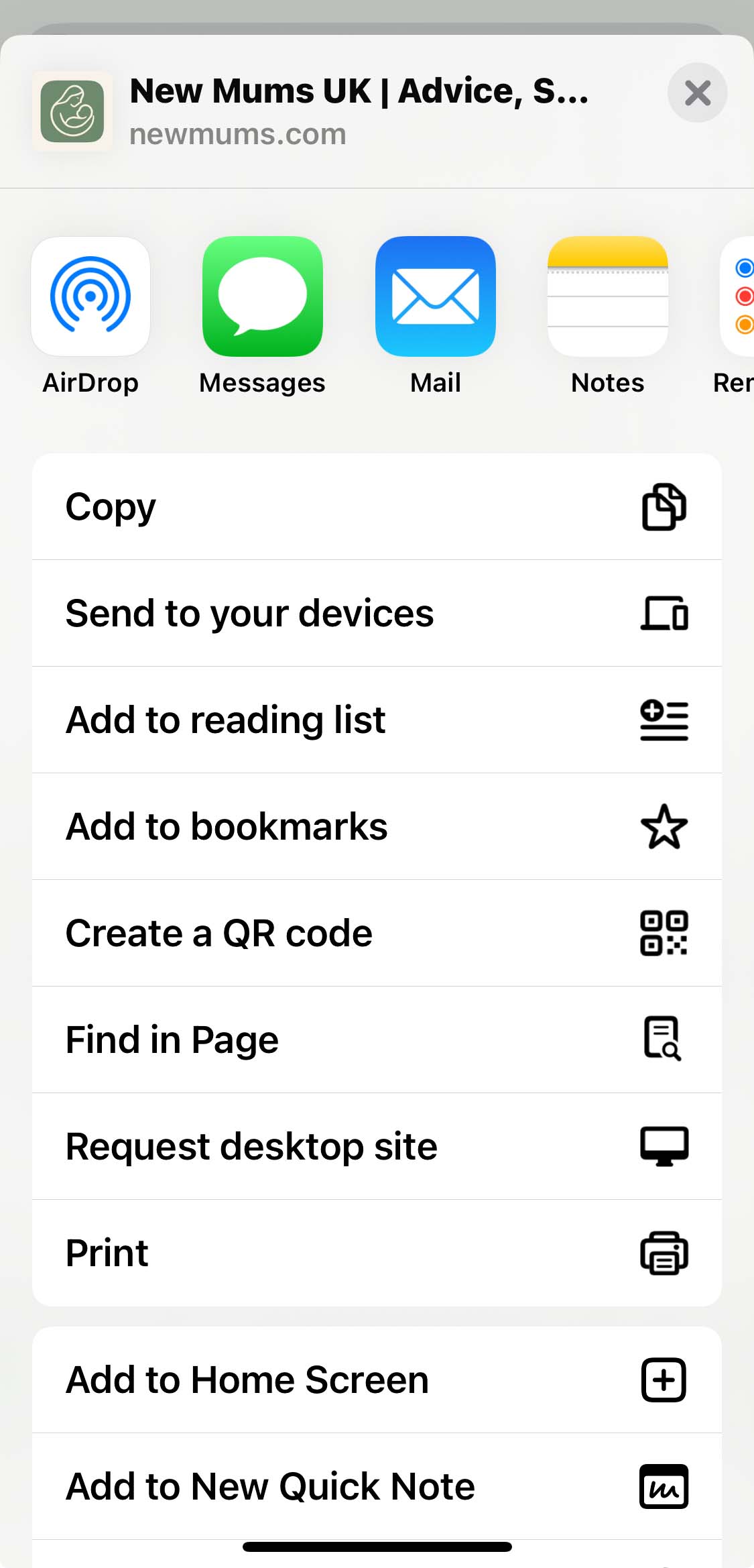
Tap the Share button
Look for the square icon with an upward arrow at the bottom of your screen.
-
3
Scroll and tap "Add to Home Screen"
You may need to scroll down in the share menu to find this option.
-
4
Tap "Add" to confirm
The New Mums icon will appear on your home screen!
Android (Chrome)
Works best with Chrome browser
-
1
Open newmums.com in Chrome
Chrome is usually pre-installed on Android devices.
-
2
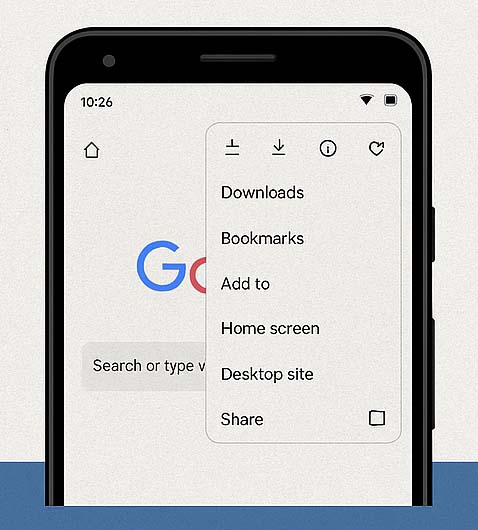
Tap the three-dot menu (⋮)
Find this in the top-right corner of Chrome.
-
3
Select "Add to Home screen"
This option appears in the dropdown menu.
-
4
Tap "Add" to save the icon
The New Mums icon will appear on your home screen!
Works Like an App!
All the benefits, no download required
Instant full-screen access
No app store download
Takes no storage space
Always up to date